Update
Update
- Login to BindTuning Desktop App;
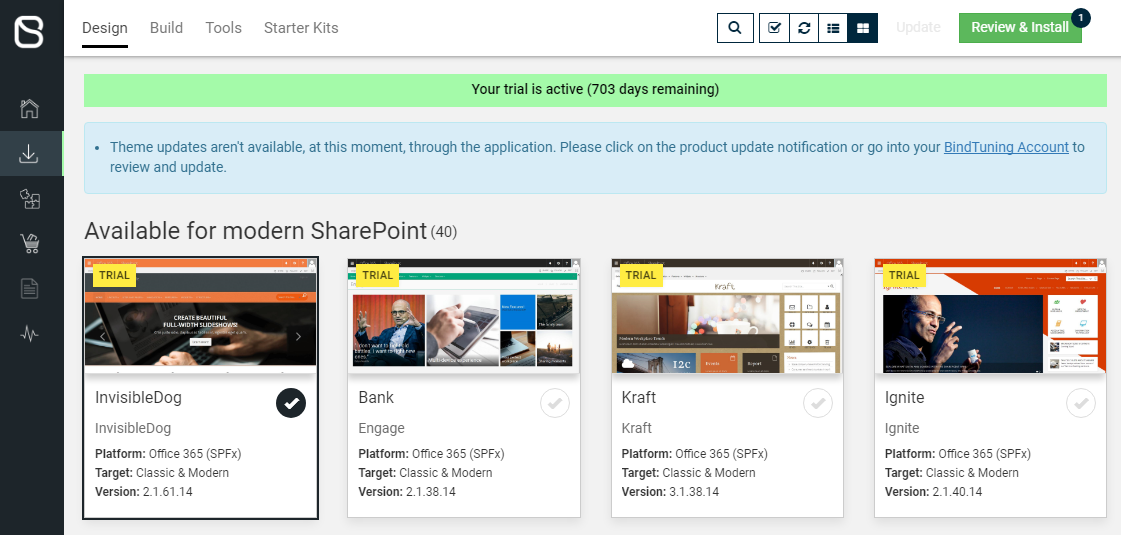
- Navigate to the Install tab and click on Design;
- Select the theme with the red circle (update available) and click on Review & Install;
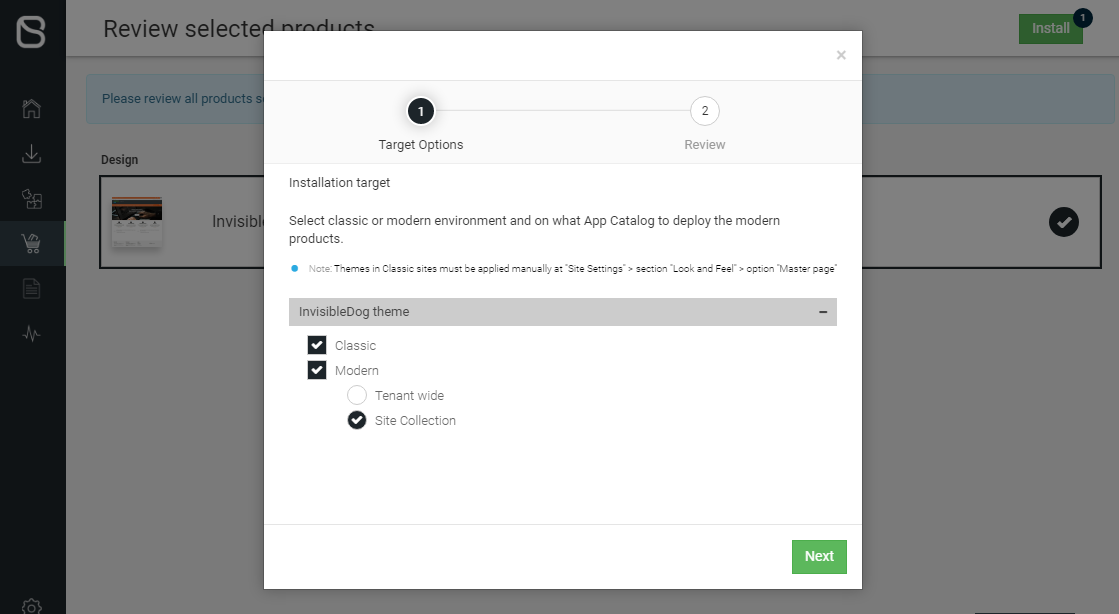
- Choose the target for the update:
- Classic SharePoint Online experience;
- Modern SharePoint Online experience, and subsequently, if you want to deploy the product on your Tenant or a specific Site Collection;
- Review the update, click Accept and Proceed, then click Update – the installation process will begin, and you'll be able to check its status on the Installation Report.