Modern Experience
Deactivate the theme
- Right click the Instaler.ps1 file and select Run with PowerShell;
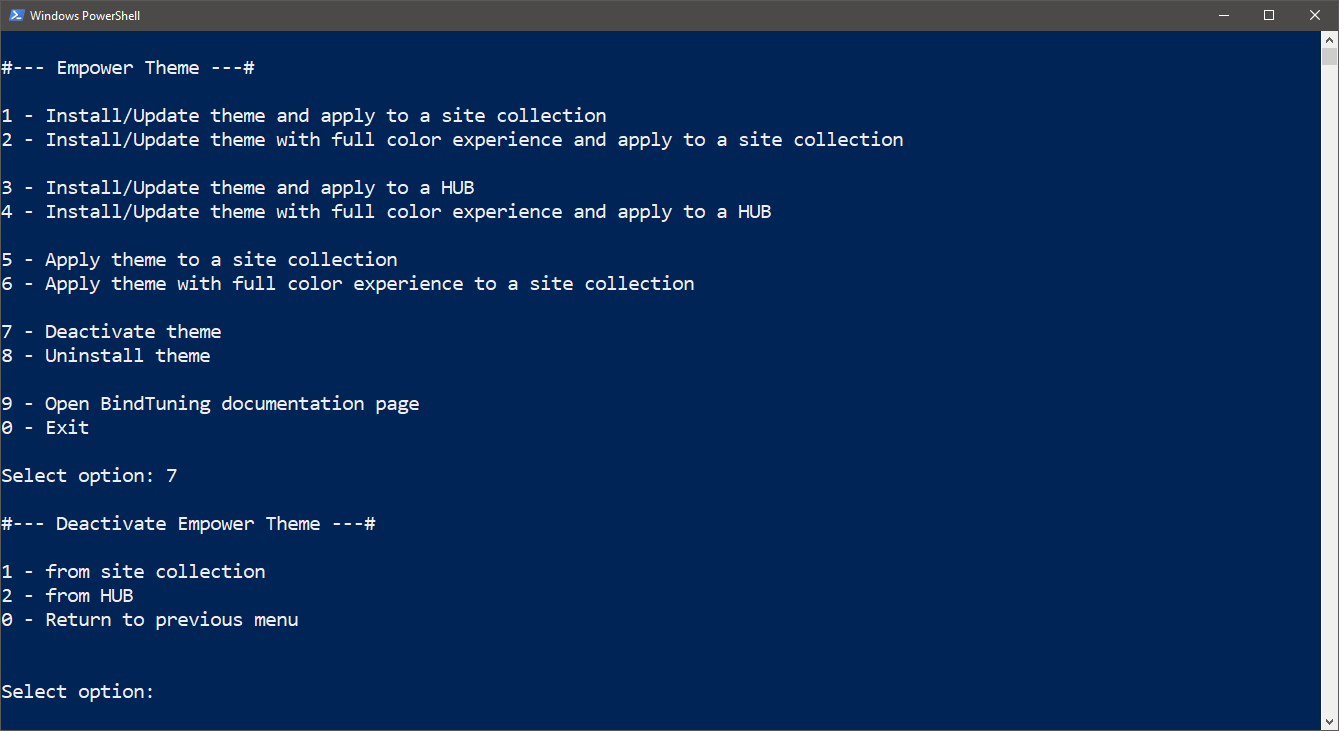
- Select option 7;
-
Select option 1 or option 2 to deactivate the theme from a site collection or from a HUB, respectively;
-
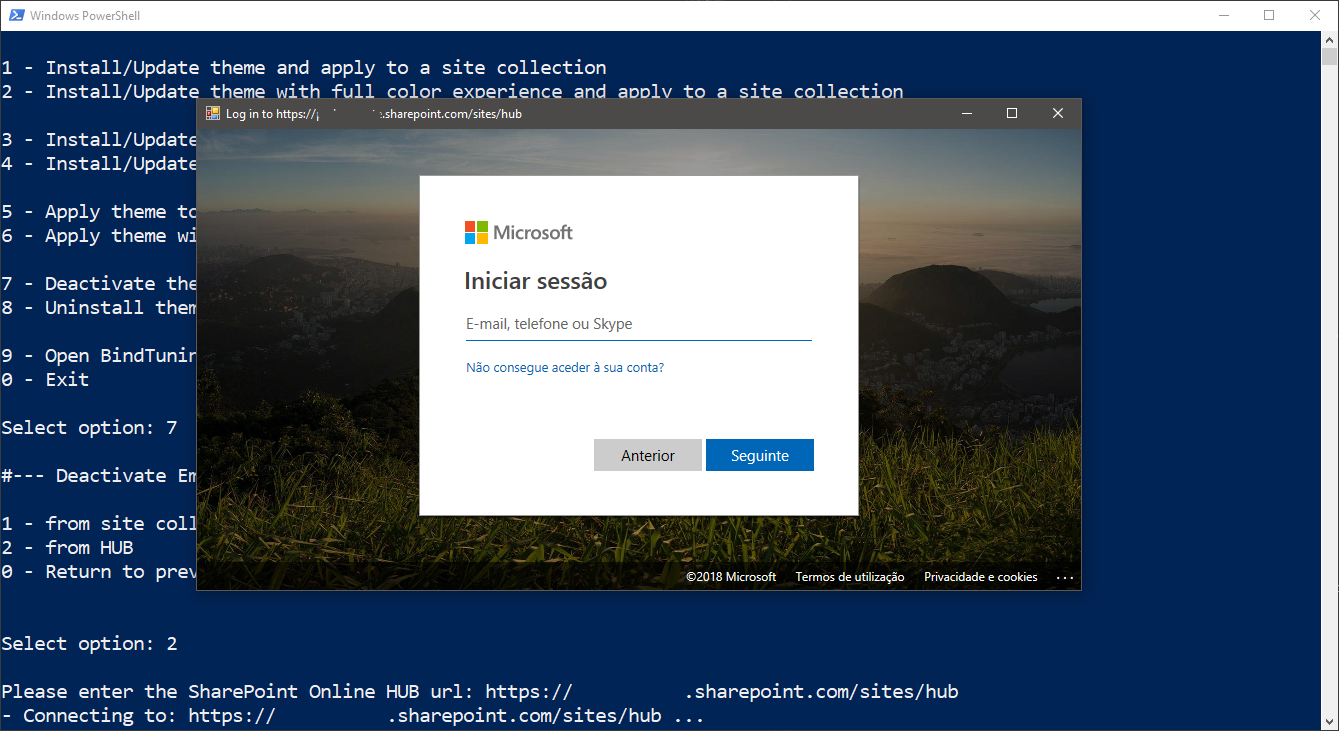
Insert the site link where the theme should be deactivated;
-
Login with your credentials;
Uninstall theme
- Right click the Instaler.ps1 file and select Run with PowerShell;
- Select option 8;
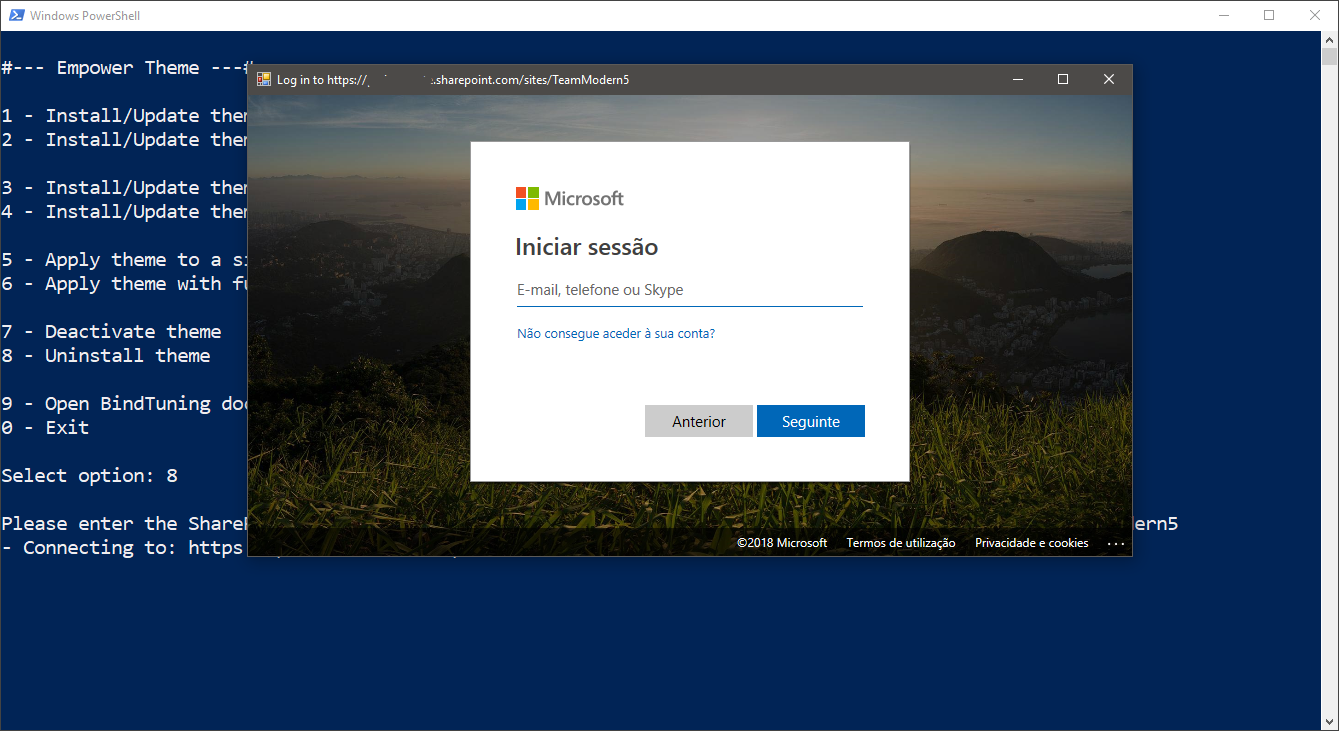
- Insert the site collection link where the theme was installed or the root of your SharePoint site;
-
Login with your credentials;
-
We'll check where the solution is installed, either Tenant App Catalog or Site Collection App Catalog, so then you can choose from where to uninstall.
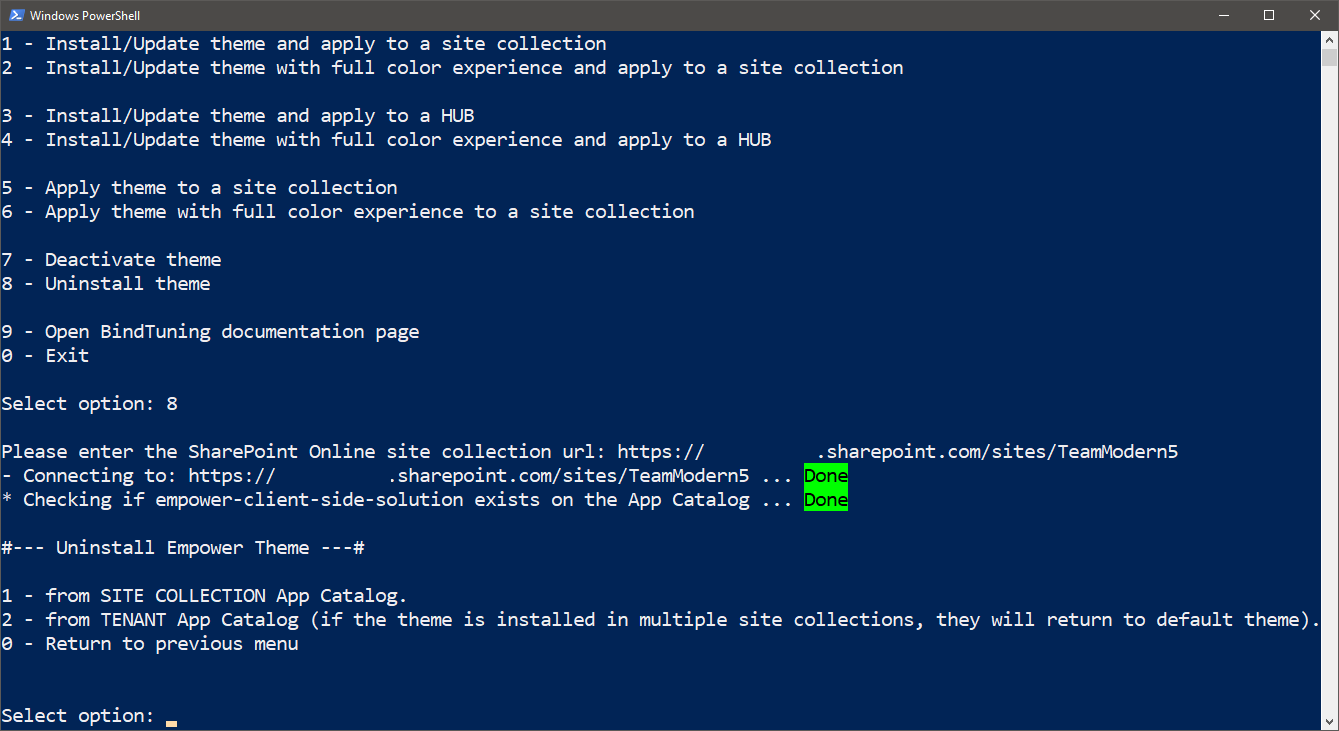
If the theme is uninstalled from the Tenant App Catalog and the theme is installed in multiple site collections, they will return to default theme.